
HVAC website design examples
Three HVAC website layouts and when to use them
An urgent repair, a planned replacement, and a service-area question each bring a visitor with a different goal. Use these examples to choose the right page structure.
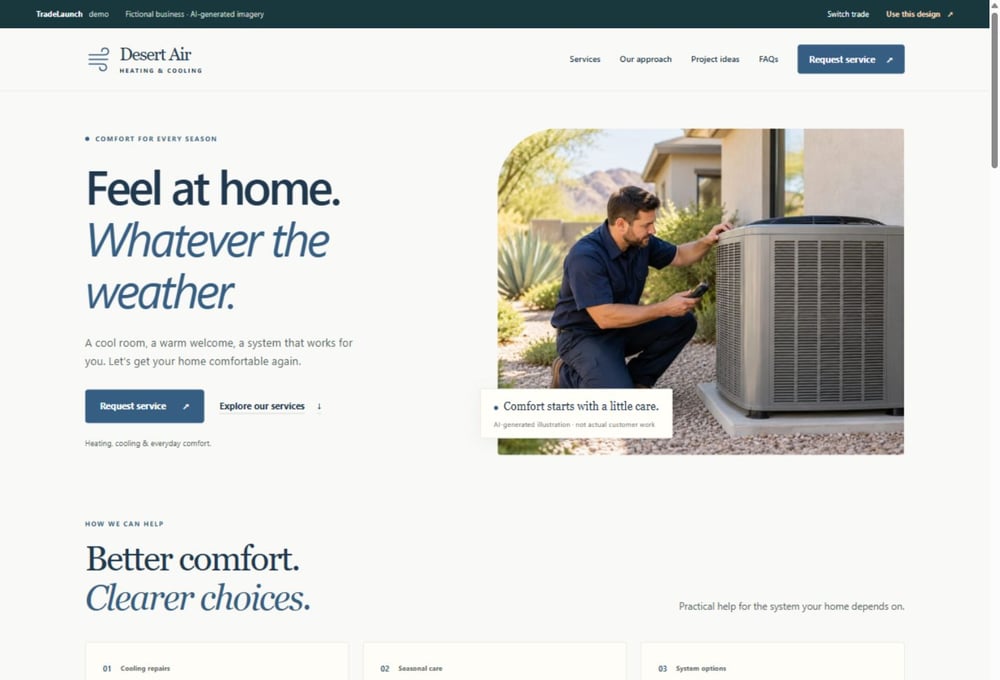
1. Homepage for an urgent repair
Put the company’s actual availability and service area near its phone and request-service links. Use a phone number customers can tap on mobile. If emergency or after-hours service is available, explain who handles the call and when customers should expect a response.
Repair and maintenance services → Areas served → Call or request service → What happens after you contact us
2. Service page for a planned replacement
Someone comparing a repair with a replacement needs the equipment types you service, how an estimate works, and what to prepare for the appointment. Use photos of real work when you have permission and link to the estimate form near the explanation.
Systems you install → What affects the quote → Installation process → Request an estimate
3. Service-area page for coverage questions
Start with the towns or ZIP codes you actually serve and the work available in each area. Add a nearby project or coverage detail if it helps someone make a decision. Link back to the relevant repair, installation, or maintenance page.
Where you work → Services in that area → Local example → How to request a visit
Start with your busiest customer need
Pick the page that answers your most common enquiry and make that path easy on a phone. Then use the first-year website estimator to budget for the site.